When a homeowner's pipe bursts at 9pm, they're not scrolling your website. They're typing "plumber near me" into Google and calling whoever shows up first. Your Google Business Profile is the thing standing between you and that call, and most contractor profiles are quietly killing their own chances.
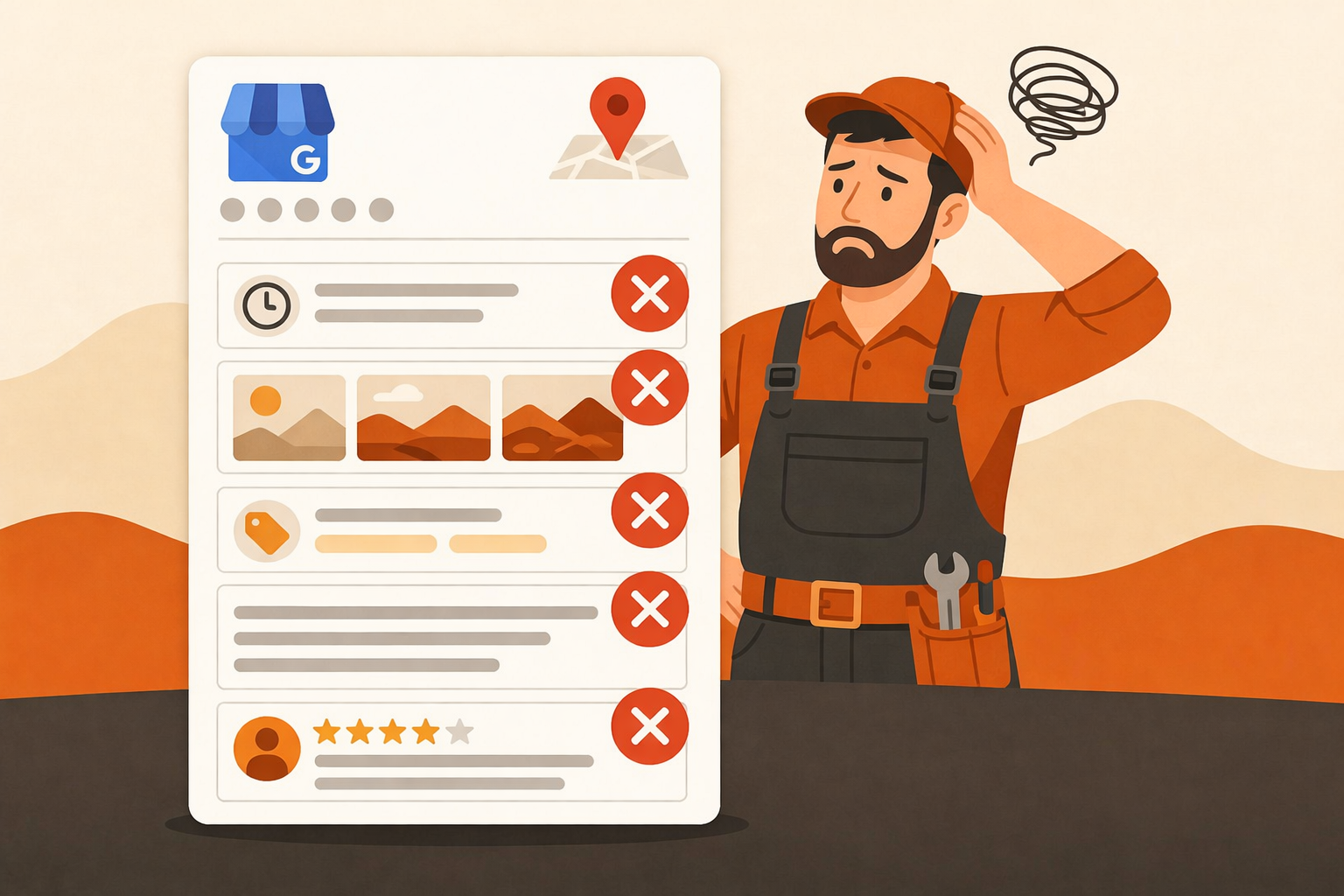
We audit contractor GBP listings every week. The same five mistakes show up over and over again. None of them are hard to fix. Here's what to look for and how to correct each one.
Mistake 1: Wrong Primary Category
Your primary category is the single most important signal you send to Google about what you do. It determines which searches you're eligible to show up for. If you pick the wrong one, you're invisible to the customers you actually want.
A common example: an HVAC company listing themselves as "Air Conditioning Contractor" when "HVAC Contractor" captures far more search volume. Or a roofer choosing "Contractor" instead of "Roofing Contractor." These small differences compound over time into a big gap in rankings.
To fix it, open your Business Profile Manager, go to Edit Profile, and look at your primary category. Then do a quick Google search for your main service plus your city. Look at what categories the top-ranking competitors use. Match the category that's most specific to your core service.
Quick check
Search Google for your exact trade plus your city (e.g., "electrician Charlottesville VA"). Click on a competitor's profile and look at their category label under the business name. That's the category pulling them to the top.
Mistake 2: Empty or Generic Business Description
Google gives you 750 characters to describe your business. Most contractors leave this field empty or write something like "We are a family-owned plumbing company serving the local area." That tells Google almost nothing and tells potential customers even less.
Your description should mention the specific services you offer, the towns and neighborhoods you serve, and one or two things that make you worth calling. Don't stuff it with keywords. Write it the way you'd describe your business to a neighbor. Google reads it, but real people read it too.
A stronger version for a roofing company might read: "Jenkins Roofing installs and repairs asphalt shingle, metal, and flat roofs throughout the Charlottesville and Albemarle County area. Licensed and insured since 2008. We do free estimates and carry full liability coverage on every job." That's specific, credible, and local.
Mistake 3: Missing or Incomplete Service Areas
If you work across multiple towns or counties, you need to tell Google exactly where. By default, your profile only shows your primary business address. If you serve a 50-mile radius but haven't configured your service area, Google treats you like a business that only serves the block you're on.
Go to Edit Profile, then Location, and look for the Service Area section. You can add up to 20 areas. Use cities, towns, and counties. Be honest about where you actually go. Don't add cities four hours away just to expand your footprint; Google can tell when the signals don't add up.
For a concrete example: an electrician based in Waynesboro, Virginia who serves Staunton, Harrisonburg, and Augusta County should list all three in their service area. That's three separate geographic markets where they can now rank in the local pack.
Mistake 4: No Photos, Or Just One Blurry Logo
Profiles with photos get significantly more clicks and direction requests than those without. That's not a guess. Google has published data on this. And yet the majority of contractor profiles have either no photos or a single low-resolution logo uploaded in 2019.
What actually works: photos of completed jobs, your truck or van with your branding, your crew on a jobsite, and before-and-after shots when you have them. You don't need a photographer. Most modern smartphones shoot more than good enough quality for a GBP listing.
Aim for at least 10 photos to start, and add new ones every month. A roofer could shoot the finished product from the street after every job. That's a new photo every few days without any extra effort. Consistent additions signal to Google that your business is active and legitimate.
One photo that always performs well
A shot of your truck parked in front of a completed job. It shows your branding, your work, and that you actually operate in the area. Takes 10 seconds to snap before you drive away.
Mistake 5: Ignoring Your Reviews
Not responding to reviews, good or bad, is one of the easiest ways to look unprofessional online. When someone leaves you a five-star review and you say nothing, it signals that you're either not paying attention or you don't care. When someone leaves a complaint and you say nothing, it looks like you have no answer.
Responding to every review takes about two minutes a week for most contractors. For positive reviews, keep it short and personal: thank them by name, mention the job if you can, and tell them you appreciate the business. For negative reviews, stay calm, acknowledge the issue, and offer to make it right offline.
Google also treats review responses as a signal of an engaged, trustworthy business. It won't make or break your ranking on its own, but it's a contributing factor, and it's one most of your competitors aren't doing consistently.
Fix These Five and You'll Already Be Ahead
Most contractors haven't touched their GBP since they first claimed it. That means the bar is actually pretty low. Fixing your primary category, writing a real description, filling in your service areas, adding current photos, and responding to reviews puts you ahead of the majority of profiles in your market.
None of these changes cost anything. They don't require an agency or a marketing budget. They just require about an hour of your time and a habit of checking in once a month. Start with your category and service areas. Those two alone can move the needle within a few weeks.