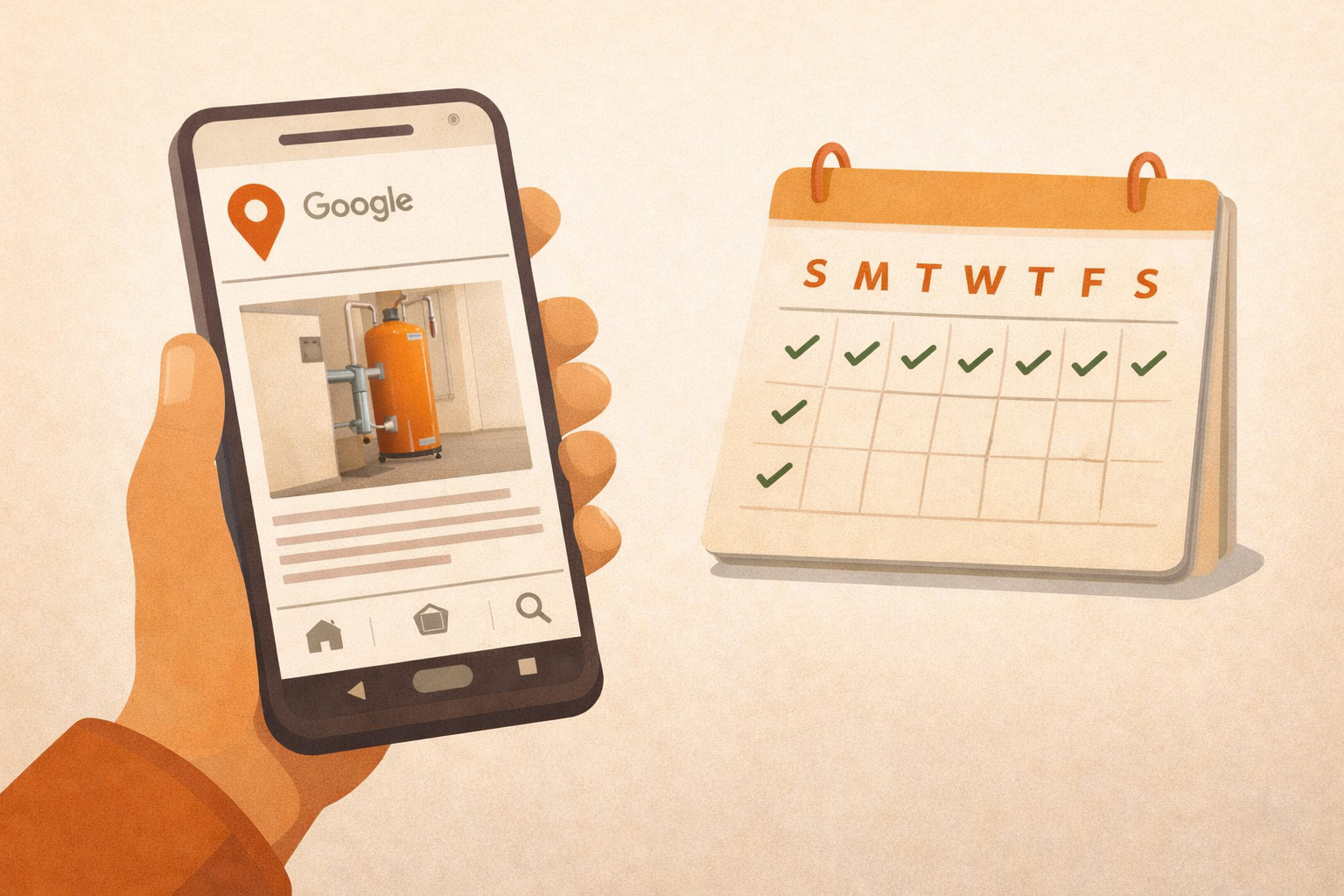
Most contractors claim their Google Business Profile and then never touch it again. That's a mistake. Google rewards active profiles with better visibility, and posting takes about 10 minutes a week if you know what you're doing.
Here's what Google Posts are, what to say, and a four-week rotation you can use starting today.
What Google Posts Actually Are
Google Posts are short updates that appear directly on your Google Business Profile, the panel that shows up when someone searches your business name or finds you in the Map Pack. They show up below your photos and reviews, right there in search results.
Think of them like a notice board outside your shop. You can announce a deal, share a completed job, post a seasonal tip, or introduce your team. Anyone who finds your profile sees your most recent posts before they even visit your website.
Posts expire after seven days unless you set them as offers with a longer end date. That's why posting weekly keeps your profile looking alive instead of stale.
The Three Types of Posts You Can Create
Google gives you three post formats. You don't need to use all three. Just know what each one is good for so you're picking the right tool.
Updates
Updates are your workhorse post type. Use them for project showcases, tips, announcements, and anything that doesn't have a specific time limit. Most of your weekly posts will be updates. They show up on your profile for seven days and can include a photo, text up to 1,500 characters, and a call-to-action button.
Offers
Offers are for discounts or promotions. You set a start and end date, and Google displays them with a badge that makes them stand out. Use these sparingly, once a month at most, so they feel like a real deal rather than background noise. A roofer might post a spring gutter cleaning discount; an HVAC company might offer a summer tune-up special.
Events
Events are for anything time-bound: a home show you're attending, a community day, or a free estimate weekend. They stay visible until the event ends, which makes them useful for keeping something pinned without re-posting every week.
How Often You Should Post
Once a week is the minimum. Twice a week is better, but once a week consistently beats twice a week sporadically every time. The goal is to never let more than seven days go by without something fresh on your profile.
Google doesn't officially say that posting frequency directly boosts your ranking, but active profiles consistently perform better in local search. The practical reason is simple: posting forces you to add photos, use keywords naturally, and show Google that your business is operating. All of that matters.
Set a Calendar Reminder Right Now
Pick one day each week. Monday morning or Friday afternoon work well for most contractors. Block 10 minutes on your calendar as a recurring event. Treat it like any other business task. The habit is worth more than the perfect post.
A Four-Week Content Rotation
If you're staring at a blank screen every week wondering what to write, this rotation fixes that. Repeat it every month and you'll never run out of content.
Week 1: Project Showcase
Share a job you just finished. Take a photo of the completed work (even a smartphone shot is fine) and write two or three sentences about what the problem was and how you fixed it. Mention the neighborhood if you can, since local place names help with relevance. "Just wrapped up a full panel upgrade for a homeowner in Crozet: old fuse box, undersized for a home office addition" is better than "completed electrical work."
This kind of post does double duty: it shows potential customers what your work looks like and it naturally includes the service keywords Google looks for.
Week 2: Seasonal Tip
Give away something useful. HVAC contractors can remind homeowners to change filters before summer. Plumbers can post about shutting off outdoor spigots before a freeze. Roofers can mention checking attic ventilation in the fall. These tips position you as the knowledgeable local expert, not just another company running ads.
Keep it short and specific: one problem, one action, one sentence on why it matters. People save and share useful tips, which gets your profile in front of people who hadn't found you yet.
Week 3: Special Offer
Post a limited-time offer using the Offer post type. It doesn't have to be a steep discount. A free inspection, a maintenance add-on, or $50 off a specific service is enough to generate clicks. Give it a clear end date so there's a reason to act now.
Make the offer specific to a service, not a vague "call us for a deal." "Free drain camera inspection with any plumbing service booked before March 15" converts better than "spring savings, call today."
Week 4: Team or Behind-the-Scenes
Show the people behind the business. A photo of your crew heading out for a job, a quick intro to a technician you just hired, or a shot of your truck being loaded for a big install. These posts build trust in a way that project photos can't. Customers want to know who's coming to their home.
You don't need a professional photographer or a polished caption. A genuine, unposed photo with a straightforward sentence about what's happening works better than anything that looks like a stock image.
Photo Tips That Actually Help
Every post should have a photo. Text-only posts get far less engagement and look less professional. Here's what works without any photography skills:
- Shoot in natural light whenever possible. Open a garage door or step outside.
- Get the finished work in the frame, not just the job site during work.
- Horizontal (landscape) orientation fills the Google post card better than vertical.
- Clean your lens. Smudged phone cameras are the number-one cause of blurry photos.
- If you're showing a before-and-after, post two separate photos rather than a split-screen.
The 1,500 Character Limit and CTA Buttons
Google lets you write up to 1,500 characters in a post, but you don't need to use all of it. Three to five sentences is usually enough. Get to the point and stop. Long posts get cut off in the preview, and most people won't tap to expand them.
Every post lets you add a call-to-action button: Call Now, Book Online, Learn More, Get Offer, or Order Online. Pick the one that matches what you want the reader to do next. For most contractors, "Call Now" or "Book Online" will get the most taps. Don't leave it blank. A post without a CTA button is a missed conversion.
Use Keywords Naturally
Write your posts like you're talking to a neighbor, but mention your trade and location when it fits naturally. "We installed a new water heater for a family in Waynesboro this week" works hard for you in local search without sounding like keyword stuffing. You don't need to force it. Just don't avoid it either.
Do Google Posts Actually Affect Your Ranking?
The direct ranking impact of individual posts is debated, but the indirect effects are real. Posting consistently keeps your profile active, which Google interprets as a signal that your business is legitimate and engaged. It also gives Google more text to index, more photos to show, and more reasons to surface your profile over a competitor's stale one.
More importantly, posts affect conversions. Someone who lands on your profile and sees a recent project photo and a current offer is more likely to call than someone who sees a profile that looks untouched for months. Local SEO isn't just about ranking. It's about turning searchers into customers once they find you.
Ten minutes a week. Pick a day, stick to the rotation, and your profile will look more active than 90% of your local competitors by the end of the month.