Most contractors know they should post photos to their Google Business Profile. So they upload three blurry shots from two years ago and call it done. That's not going to move the needle. Doing it right will.
Google uses photo activity as a ranking signal. Profiles with fresh, plentiful photos get more clicks, more calls, and higher placement in the local pack. Here's exactly what to shoot and how to make every photo count.
Why Google Cares About Your Photos
Google wants to show searchers the most trustworthy, active local businesses. A profile with 60 photos updated regularly signals that you're a real company doing real work. A profile with 3 photos from 2021 signals the opposite.
Photos also drive engagement. When someone searches "plumber near me" and your profile has 40 photos versus a competitor's 5, people click on yours more. Higher click-through rate tells Google you're the preferred result, which pushes you up in rankings further.
It's a compounding effect: more photos lead to more clicks, more clicks lead to higher rankings, higher rankings lead to more photos being seen. Start the cycle.
The Types of Photos That Perform Best
Not all photos are equal. Google categorizes GBP photos and uses them in different contexts. Here's what to focus on:
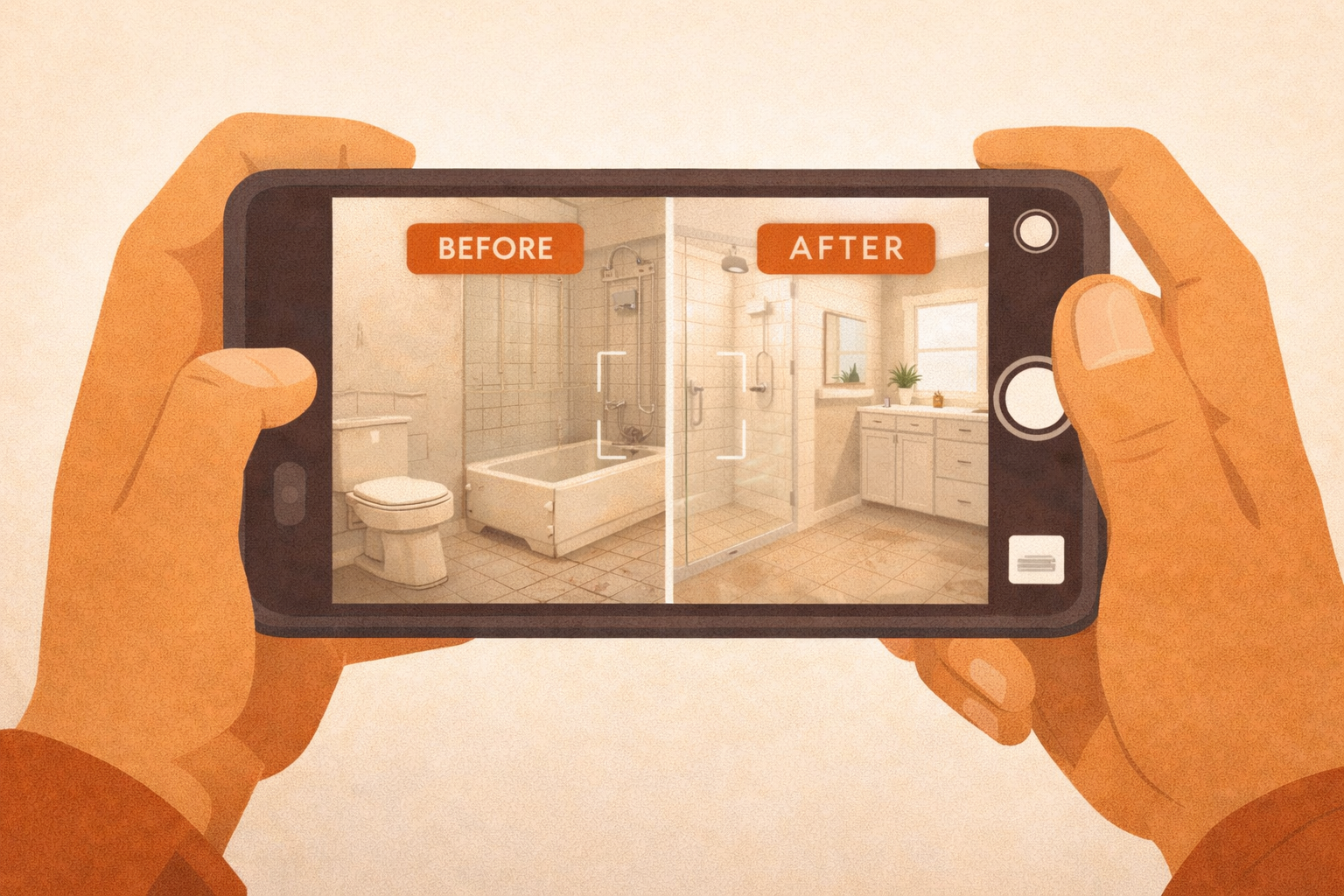
- Before and after shots. These are gold. A clogged drain before, a clean pipe after. A sagging roof before, new shingles after. Before-and-after photos get the most engagement from potential customers because they prove you deliver results.
- Work in progress. Snap a photo mid-job: your electrician pulling wire, your HVAC tech installing a condenser unit. These build trust by showing you're actually doing the work, not just claiming to.
- Finished projects. Clean, well-lit shots of completed work. A freshly painted exterior, a new water heater installation, a finished bathroom remodel. Make sure the area is tidy before you shoot.
- Your team. Photos of your crew (uniformed, professional, on the job) help homeowners feel comfortable letting you into their house. A face is more reassuring than a logo.
- Your vehicles and equipment. Branded trucks parked at a job site. Your service van with the logo visible. This reinforces that you're a legitimate operation with real infrastructure.
- Your office or shop. If you have a physical location, photo it. Exterior, interior, reception desk. Anything that shows a real business address.
How Many Photos Do You Actually Need?
Start with a minimum of 10 photos across multiple categories before you consider your profile "launched." Ten is the floor, not the goal. Profiles with 100+ photos consistently outperform those with fewer.
The more important number is cadence. Add 2 to 3 photos every week. Google notices when photos are added consistently over time. A profile that gets 3 new photos every Friday looks more active than one that uploads 50 photos all on the same day and then goes dark.
Simple Weekly Habit
Every Friday before you wrap up, pick the best photo from that week's jobs and upload it to your GBP. That's it. One photo a week gets you to 50 photos in a year without any real effort.
Taking Good Photos on Your Phone
You don't need a camera crew. A modern smartphone takes photos good enough for Google. You just need to use it right.
Shoot in good light. Outside or near a window during the day beats any indoor artificial light. If you're shooting a finished bathroom, turn on every light in the room and open the door to let in hallway light. Avoid flash. It flattens everything and creates harsh shadows.
Get closer than you think you need to. Most people stand too far back. Fill the frame with the work itself. If you're photographing a new electrical panel, move in until the panel takes up most of the shot. Zoom with your feet, not the digital zoom. Digital zoom on phones reduces quality.
Shoot landscape (horizontal), not portrait. Horizontal photos display better in Google's interface and look more professional on a listing.
The Metadata Trick Most Contractors Miss
When your phone takes a photo, it embeds invisible data into the file called EXIF metadata. This includes the GPS coordinates of where the photo was taken. When you upload a geotagged photo to your Google Business Profile, Google can see that the photo was taken at or near a real job location.
The practical implication: shoot photos on location, not at home after the fact. Take the before shot when you arrive, take the after shot before you leave. If your phone's location services are on (they usually are by default), the GPS coordinates get baked in automatically.
This matters because it reinforces to Google that you're actively working in the service area you claim. It's a small signal, but local SEO is built on dozens of small signals stacking up.
Check Your Phone Settings
On iPhone: Settings → Privacy & Security → Location Services → Camera → set to "While Using." On Android: Camera app settings → Location tags → On. This ensures GPS coordinates are embedded in every photo you take.
Name Your Files Before You Upload
The default filename from your phone is something like IMG_3847.jpg. That tells Google nothing. Before uploading, rename the file to something descriptive.
Use names like: water-heater-installation-charlottesville-va.jpg or roof-replacement-before-after-crozet.jpg. Include your trade, the type of work, and your city or service area. It's a small SEO signal, but it costs you nothing and every bit helps.
On Windows, you can rename a file by clicking it once, pressing F2, and typing the new name. On Mac, click once and press Return. Make it a habit before every upload batch.
Using the GBP Photo Manager Correctly
Inside your Google Business Profile dashboard, you can assign photos to specific categories: Exterior, Interior, Product, At Work, Team, and Identity (logos, cover photos). Use these categories. Don't just dump everything into the general photo bucket.
Your cover photo is especially important. It's the first thing people see on your profile. Use your best finished-project shot or a clean photo of your branded truck. Update it every few months to keep the profile looking active.
Check your profile's photo section monthly. Customers can also upload photos to your listing, and occasionally those are unflattering or irrelevant. You can flag inappropriate photos for removal through Google.
Put It Into Practice This Week
Here's where to start: go to your next job and take three photos. One before you start work, one mid-job, and one when it's done. Upload them to your GBP tonight with descriptive filenames. That's your system. Repeat it every week.
Within 60 days of consistent photo uploads, you'll typically see your profile views and click-throughs increase. It's one of the highest-ROI things you can do for local SEO, and it costs nothing but 10 minutes a week.